Building a Portfolio That Shows Both Technical and Creative Skill
A short article about presenting AI, cybersecurity, web, game and creative work inside one professional brand.
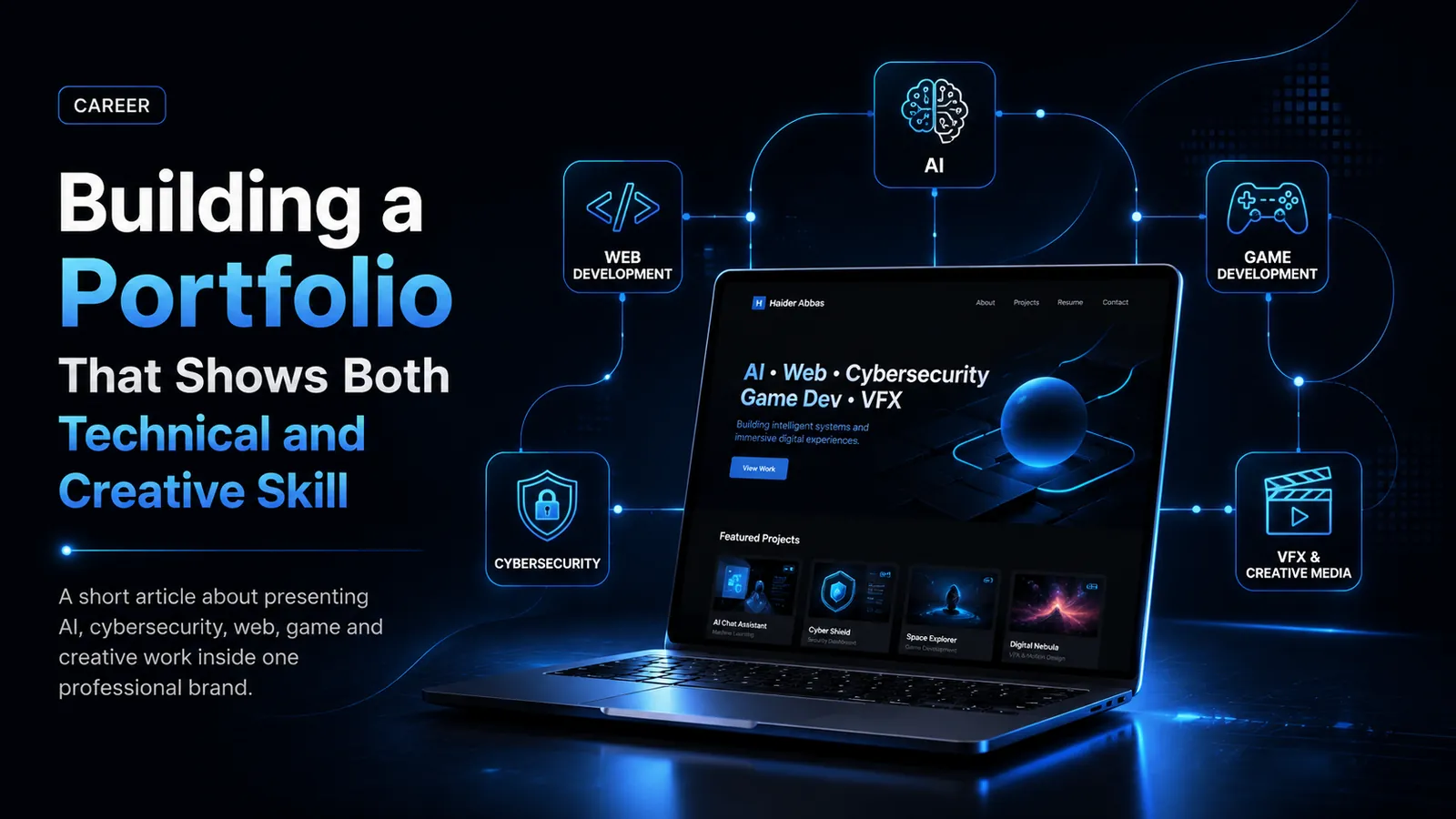
A strong portfolio is not just a gallery of finished work. It is a professional story about what you can build, how you think, and how your skills can solve real problems. For people working across more than one field, such as web development, AI, cybersecurity, game development, 3D animation, VFX and video editing, the challenge is not only showing the work. The real challenge is showing it in a way that feels organised, believable and useful to the person viewing it.
Many portfolios fail because they look either too technical or too visual. A purely technical portfolio may include code, tools and project titles, but it may not show creativity, design quality or user experience thinking. A purely creative portfolio may show strong visuals but does not always explain the problem, process, technology or result behind the work. The best portfolio brings both sides together.
For a multidisciplinary professional, this balance is important. A recruiter, client or company should be able to understand your technical ability within seconds, but they should also feel that you have a strong eye for presentation, structure and professional detail. Your portfolio should make the viewer think, “This person can build systems, but they can also present them properly.”
Why a Portfolio Matters More Than a CV Alone
A CV is still important, but a portfolio gives evidence. A CV can say that you know PHP, MySQL, AI, Unity, Blender, cybersecurity or web development. A portfolio proves it through real projects, screenshots, documentation, workflows and case studies.
A portfolio helps you show things that a CV cannot fully explain. For example, if you built a restaurant ordering system, your portfolio can show the homepage, ordering flow, admin panel, booking system, checkout logic and project documentation. If you created a Q-learning project, your portfolio can show the grid-world environment, algorithm, reward graphs and final result. If you worked on Blender or VFX, it can show render passes, modelling workflow, lighting and final cinematic output.
This is why a professional portfolio should not only contain project cards. It should include detailed case studies, downloadable documentation, project categories, thumbnails, technology tags and clear navigation. The more organised the presentation is, the more professional your work appears.
Start With a Clear Personal Position
Before adding projects, your portfolio needs a clear personal direction. This does not mean limiting yourself to one skill. It means explaining your skill combination properly.
For example, instead of saying:
“I do AI, web development, cybersecurity, game development and VFX.”
A stronger version is:
“I build intelligent, secure and visually strong digital systems across AI, web platforms, cybersecurity, game development and creative media.”
This type of statement connects your skills together. It tells the viewer that your abilities are not random. They belong to one professional identity: someone who can design, build, secure and present digital systems.
Your homepage should introduce this identity immediately. A short hero section, a professional photo, clear buttons such as “View Projects” and “Download CV,” and a few strong stats can make the first impression much better. Keep the language confident but not exaggerated. Companies respect clarity more than overused buzzwords.
Organising Technical Projects Properly
Technical projects should be shown with structure. A simple project title and image is not enough. Each project should include:
- Project name
- Category
- Short description
- Technology stack
- Problem solved
- Main features
- Screenshots or thumbnails
- Case study button
- Documentation download button
- Live project or GitHub link if available
For example, a project like “The Miner’s Spice Restaurant Platform” should not only say “restaurant website.” It should explain that it includes online ordering, table booking, menu management, customer journey, admin workflow, payment readiness and business-focused design.
Similarly, a project like “AutoMarketPro Car Marketplace” should not only say “car website.” It should explain seller listings, vehicle image uploads, subscription packages, Stripe payment flow, search filters and admin moderation.
When projects are described this way, they become evidence of your problem-solving ability.
Showing Creative Work Without Making It Look Random
Creative work such as 3D animation, Blender assets, VFX, video editing and game visuals should be presented with process. Companies and clients want to see the final image, but they also respect the breakdown.
A strong creative project page can include:
- Final render
- Wireframe view
- Clay render
- Lighting pass
- Texture/material breakdown
- Animation timeline
- Compositing process
- Final output
This turns your creative work into a professional production case study. It shows that you understand not only how to make something look good, but also how to plan and execute it.
For example, a Blender VFX project can show modelling, texturing, lighting, rendering and compositing. A Unity FPS project can show level layout, mission objectives, AI states, weapon system and gameplay UI. These details make creative work much more credible.
Use Categories to Help Recruiters Navigate
A portfolio becomes stronger when it is easy to filter. Recruiters do not always want to look at everything. A web development company may want to see only web systems. A cybersecurity role may focus on DVWA labs, ontology modelling and ethical hacking. A game studio may care more about Unity, Blender and VFX.
Useful categories include:
- AI / Machine Learning
- Web Systems
- Cybersecurity
- Game Development
- 3D / VFX / Animation
- Data / Cloud
- E-commerce / Business
- Academic Projects
These filters help the viewer reach the right projects quickly. They also make your portfolio feel like a real professional system rather than a simple personal webpage.
Write Project Descriptions Like Mini Case Studies
A strong project description should answer four simple questions:
1. What was the problem?
Explain the reason behind the project. For example, restaurants need online ordering systems, students need better CV feedback, or data teams need cloud dashboards.
2. What did you build?
Describe the platform, prototype, algorithm or workflow clearly.
3. How did it work?
Mention the technologies, system architecture, database, APIs, AI model, security tools or creative pipeline.
4. What was the outcome?
Explain the value. Did it improve user experience? Did it automate a process? Did it demonstrate a research concept? Did it support business operations?
This structure makes even student and prototype projects look more professional.
Balance Design With Readability
A portfolio can look modern without becoming confusing. Dark themes, cinematic graphics, animated sections and sharp futuristic panels can work very well, but only if the content remains readable. Avoid too much glow, too many colours or overly rounded AI-looking boxes.
Sharp edges, clean spacing, consistent typography, strong contrast and professional thumbnails create a better impression. Each section should feel intentional. Buttons should be clear. Cards should have equal dimensions. Text should not blend into backgrounds.
Good design makes your work easier to trust.
External Authority Links to Add
Useful external references to link from this article:
- GitHub Pages documentation for portfolio hosting
- Google Search Central for SEO basics
- LinkedIn career advice for professional branding
- W3C accessibility guidelines for readable web design
Conclusion
A portfolio that shows both technical and creative skill is powerful because it gives a complete view of your ability. It shows that you can think like a developer, design like a creative professional, organise like a project manager and communicate like someone ready for real work.
The goal is not to show everything randomly. The goal is to present your skills with structure, proof and purpose. When technical projects, creative visuals, case studies, documentation and a clear personal brand come together, your portfolio becomes more than a website. It becomes a professional identity.